A Spektral project is an ordinary folder: tokens as JSON, component specs as YAML, and one npm package per platform you target. The wizard asks six questions, then scaffolds all of it and installs the dependencies. Budget two or three minutes.
Walk the wizard
- Press New Project
From the welcome screen, or from the project menu in the top-left of the workspace if you already have one open.
- Name it, and set a CSS variable prefix
The name is a friendly label. The prefix is the one choice worth a second of thought: every token ships as a CSS custom property built from it, so
acmegives you--acme-color-primary. Use your product or company short name and it will never collide with the styles of an app that consumes your system.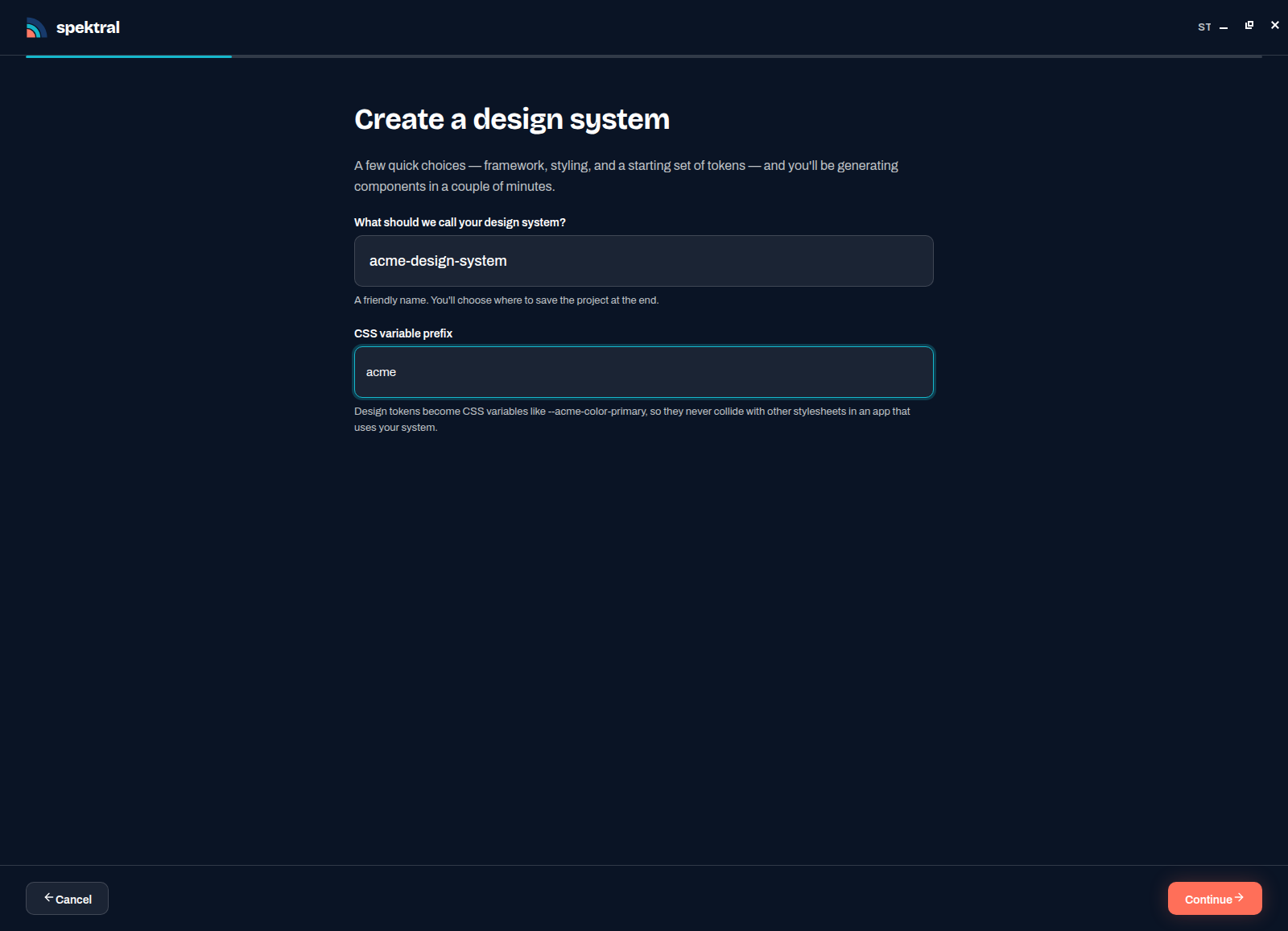
Name and prefix. You choose where the project is saved at the end, not here. - Pick your component framework
React, Vue, Svelte, or Lit. This is the framework Spektral writes components in today — specs and tokens stay framework-agnostic, so you can add another platform later and build the same components again from the same specs.
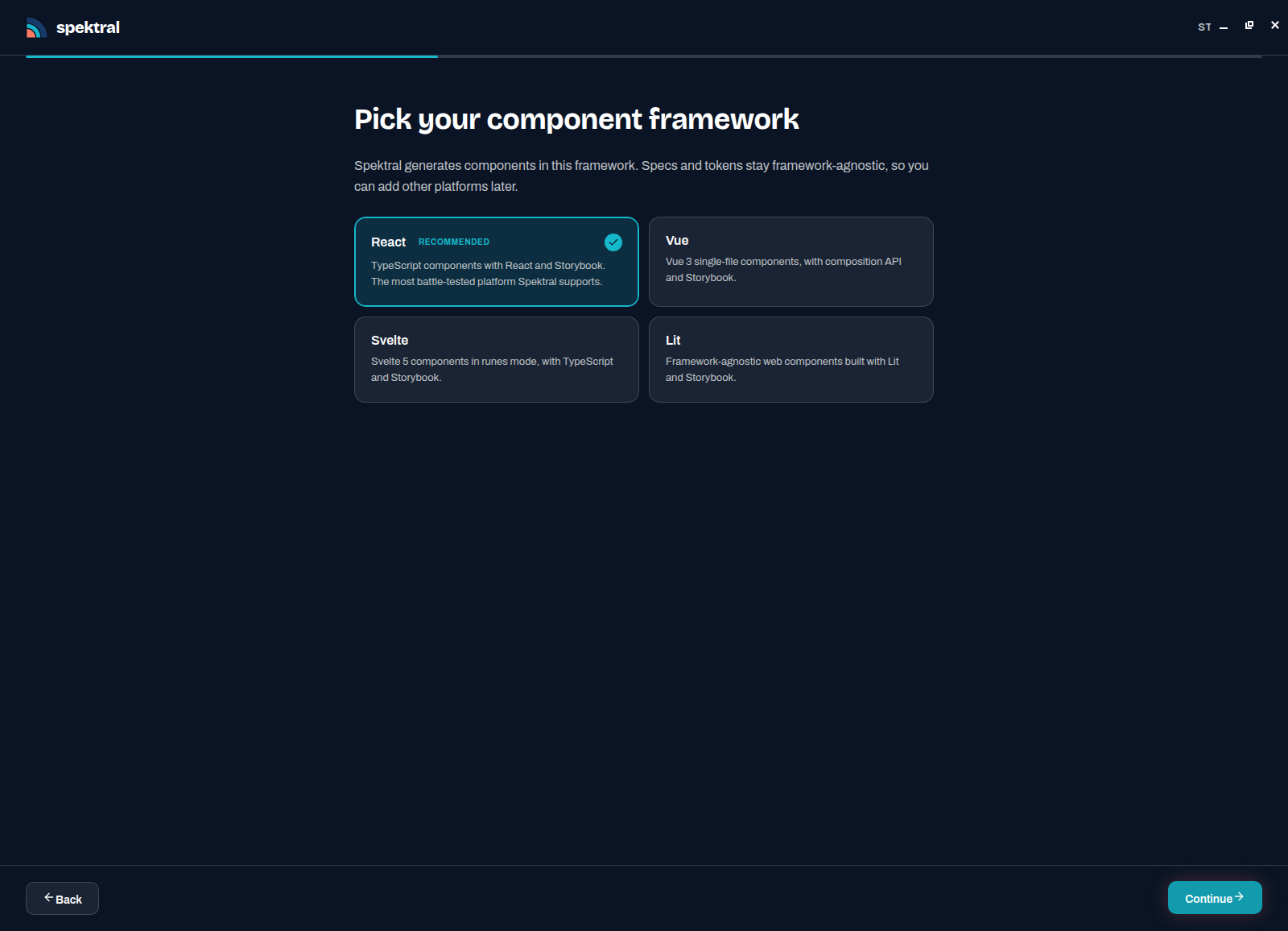
React is the most battle-tested target during the beta. - Choose how components are styled
Vanilla CSS is the default and keeps the output dependency-free. The styling choice decides what the agent writes; either way it consumes your tokens rather than hardcoding values.
- Choose a token pack
The Default pack gives you a complete, sane three-layer token set — colour, spacing, typography, radius, elevation — that you can recolour in minutes on the Tokens page. Starting from a pack is almost always faster than starting empty.
- Add starter components
Optional, production-ready components built on the pack, each arriving with a spec, styles, stories, and component tokens: Button, Badge, Typography, Cards, Form components, Accordion. Take the ones you know you need — they double as worked examples of what good output looks like in your system.
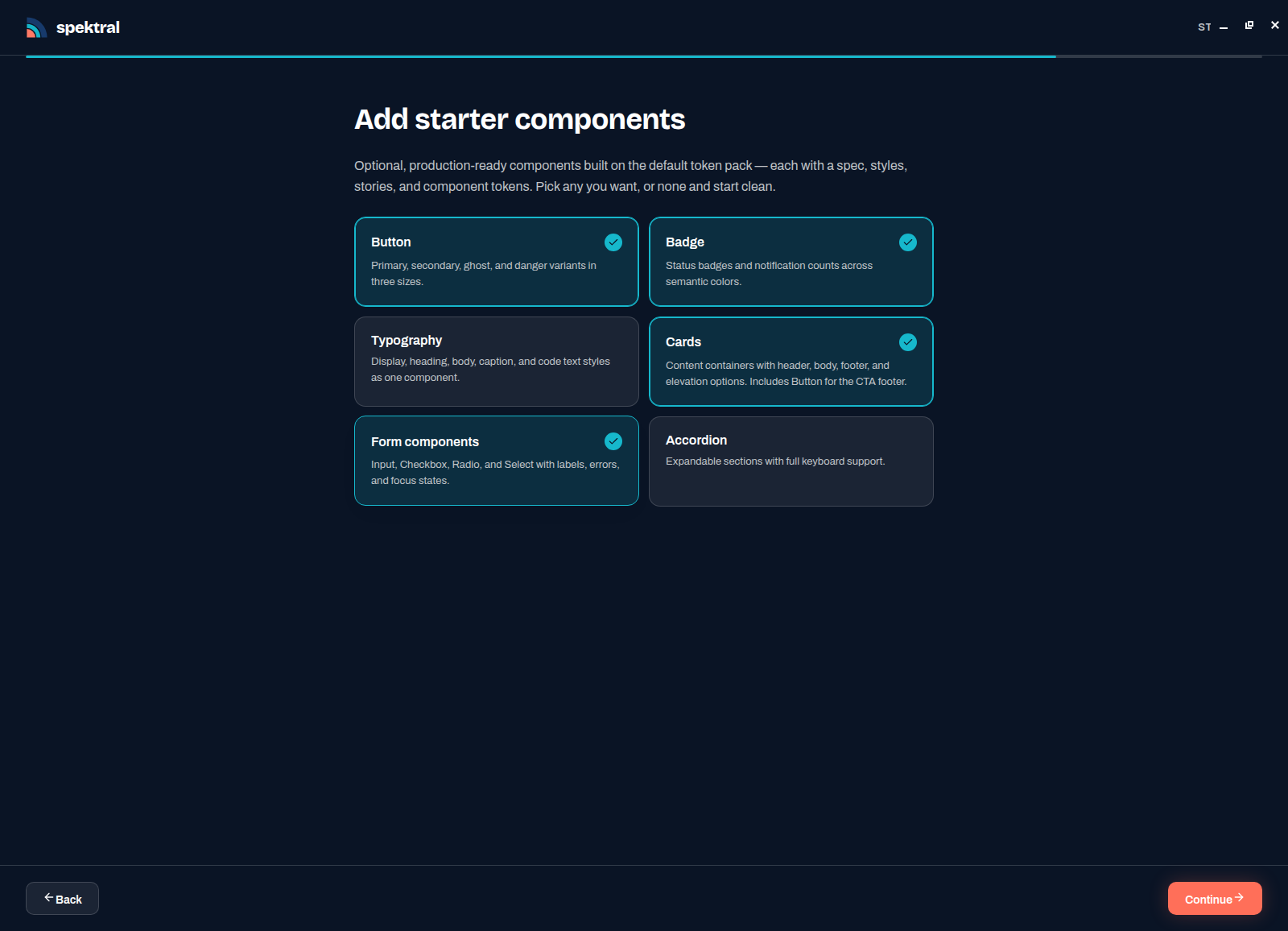
Pick any, or none, and start clean. - Review, then choose a location
The summary lists every answer with an Edit link beside it. It also exposes the project runtime: Spektral ships its own Node.js so scaffolding and Storybook just work, and the toggle switches to your installed Node 18+ if you would rather use it. Press Choose location & create and pick a folder in the native dialog.
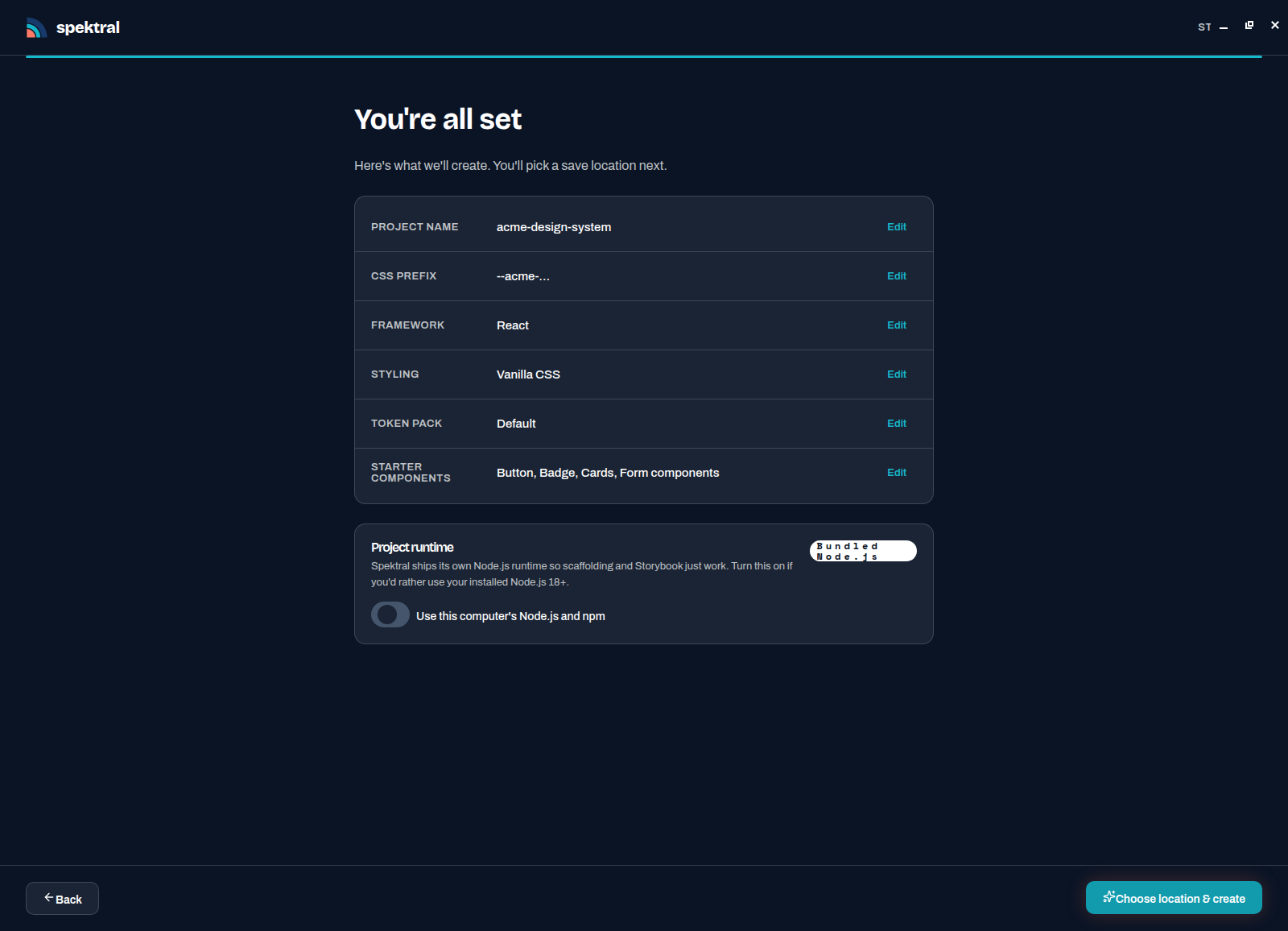
Everything is editable from here, so nothing you picked is locked in.
What scaffolding does
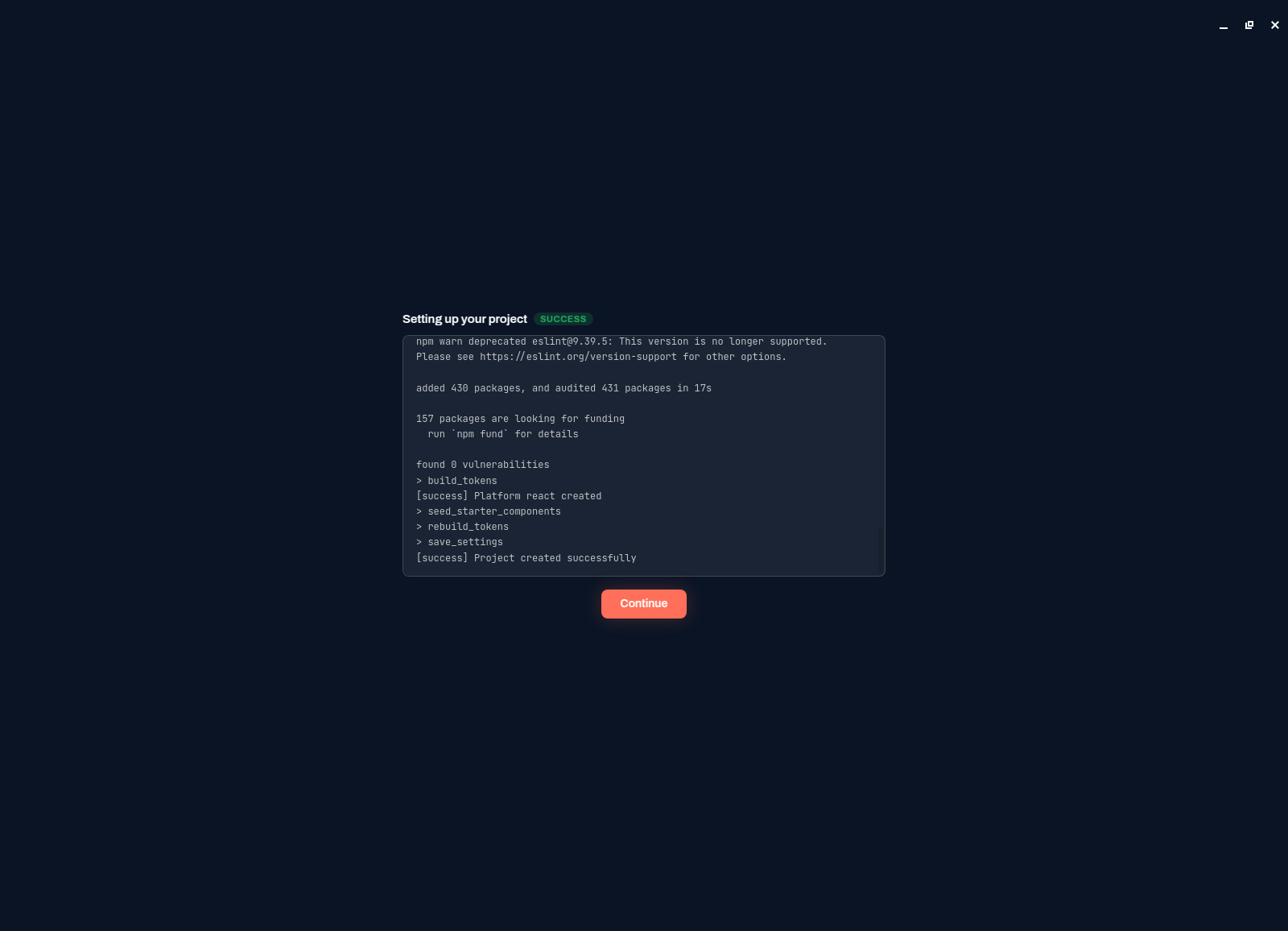
Spektral streams the setup log while it works, so you can see exactly what happens: it writes the project config and token files, creates the platform package, installs its npm dependencies, builds the tokens into CSS variables, seeds the starter components, and rebuilds. It finishes on Project created successfully.
Your project folder now contains:
spektral.yml— project config, brands, and where the token files live (reference).tokens/— DTCG JSON in three layers: primitive, semantic, component.specs/— one framework-agnostic YAML spec per component.platforms/<framework>/ds-lib/— the generated library, with Storybook and a token build.system-guidance.yaml— the rules the agent follows, once you write some.
Press Continue and Spektral opens the workspace. Take the tour next.