Spektral is a desktop app that builds and maintains a design system with you. You describe what you need, it writes the spec, the tokens, the component, and the stories — into a folder you own and can commit to git.
This guide is written to be read in order. Start at the top and you will have a real component library, built and previewed, before you reach the halfway point. Come back to the later chapters when you need Figma, a second framework, or a team.
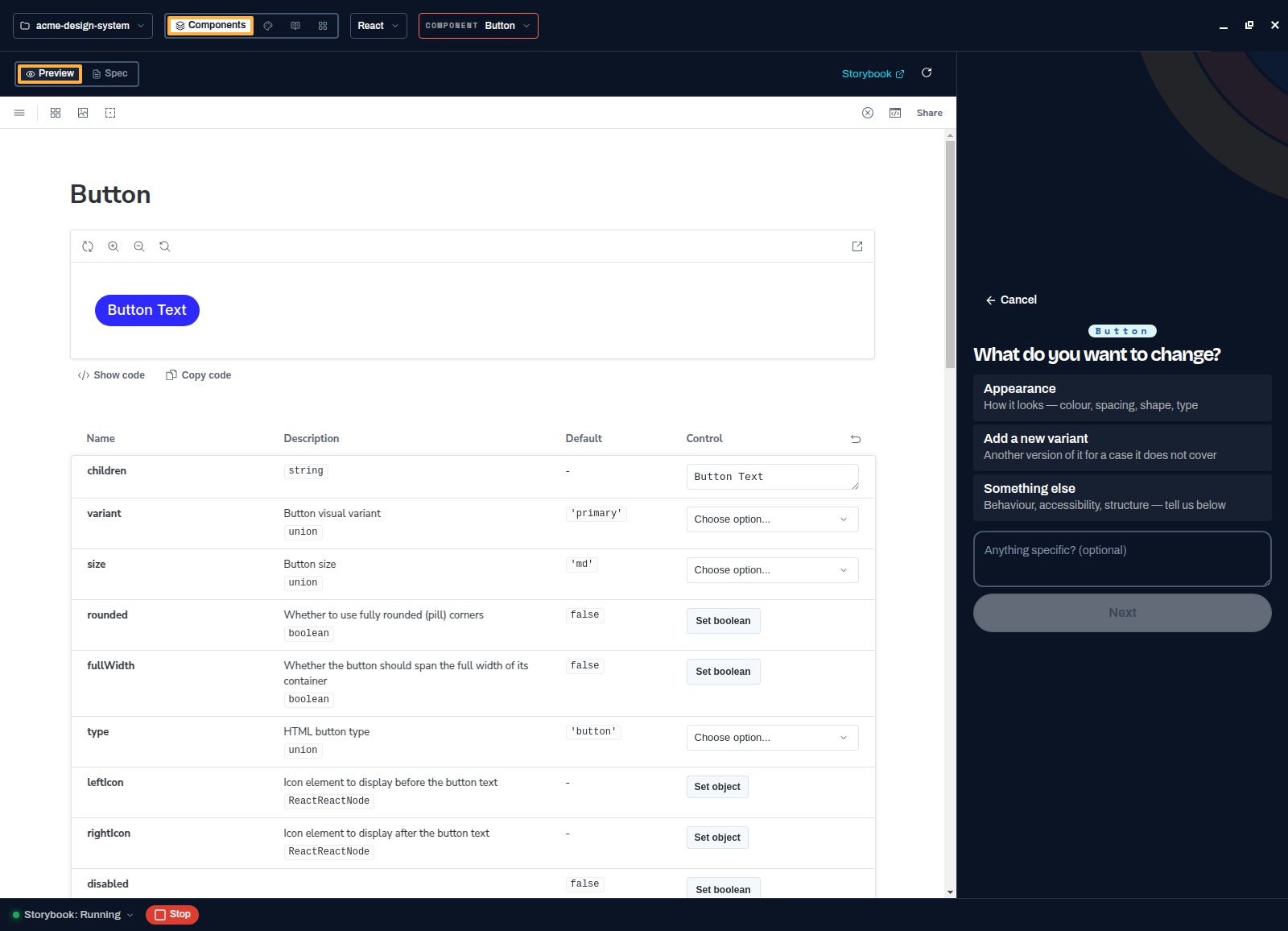
The 30-second version
- Install the app and pick a model
Hosted with a Spektral account, or your own Anthropic or OpenAI-compatible key.
- Create a project
Six questions, then Spektral scaffolds tokens, specs, and a real npm package with Storybook.
- Ask for a component
Answer a short intake, approve the plan, and watch the agent write, validate, and a11y-check it.
- Tune the system
Edit tokens, write guidance, and everything you generate next follows the rules.
- Ship it
Add another platform, review changes on a branch, and publish a version people can install.
Start here
If you have not installed Spektral yet, the first chapter takes about two minutes and you do not need an account or an API key to follow it.
Install and first run →Get started
Install Spektral, create a project, and find your way around.
Install and first run
Download the app, accept the terms, and choose how you generate.
Create a project
Walk the new-project wizard and get a working library on disk.
Bring your design system
Open the library you already have, as it is, and convert later if you choose.
Tour the workspace
Components, Tokens, Guidance, Matrix, and the Storybook bar.
Build your library
The day-to-day loop: components, tokens, and the rules behind them.
Build a component
Answer a few questions and let the agent write spec, code, and stories.
Edit your tokens
Change a colour, add a brand, and rebuild the library.
Add dark mode
Give every brand light and dark modes that switch at runtime.
Set system guidance
Write the rules every generated component has to follow.
Check conformance
See which platforms match the spec and which have drifted.
Add platforms
Build the same components for a second and third framework.
Connect your tools
Bring Figma in, and let other agents read the system out.
Ship with a team
Share the system, review changes, and publish versions people can install.
Sync and collaborate
Share a project and work on it from more than one machine.
Review changes
Use branches and change requests to govern updates.
Release and distribute
Cut an immutable version and publish it to npm.
Publish Storybook
Share a versioned component reference in the browser.
Track governed work
Record agent sessions and export audit logs.
Reference
File formats and schemas, for when you need the detail.